
Finding Processes Instead of Guessing: UiPath Task Capture and Process Mining for SMEs
UiPath Task Capture or Process Mining: which tool fits process discovery when, and what is currently still supported.

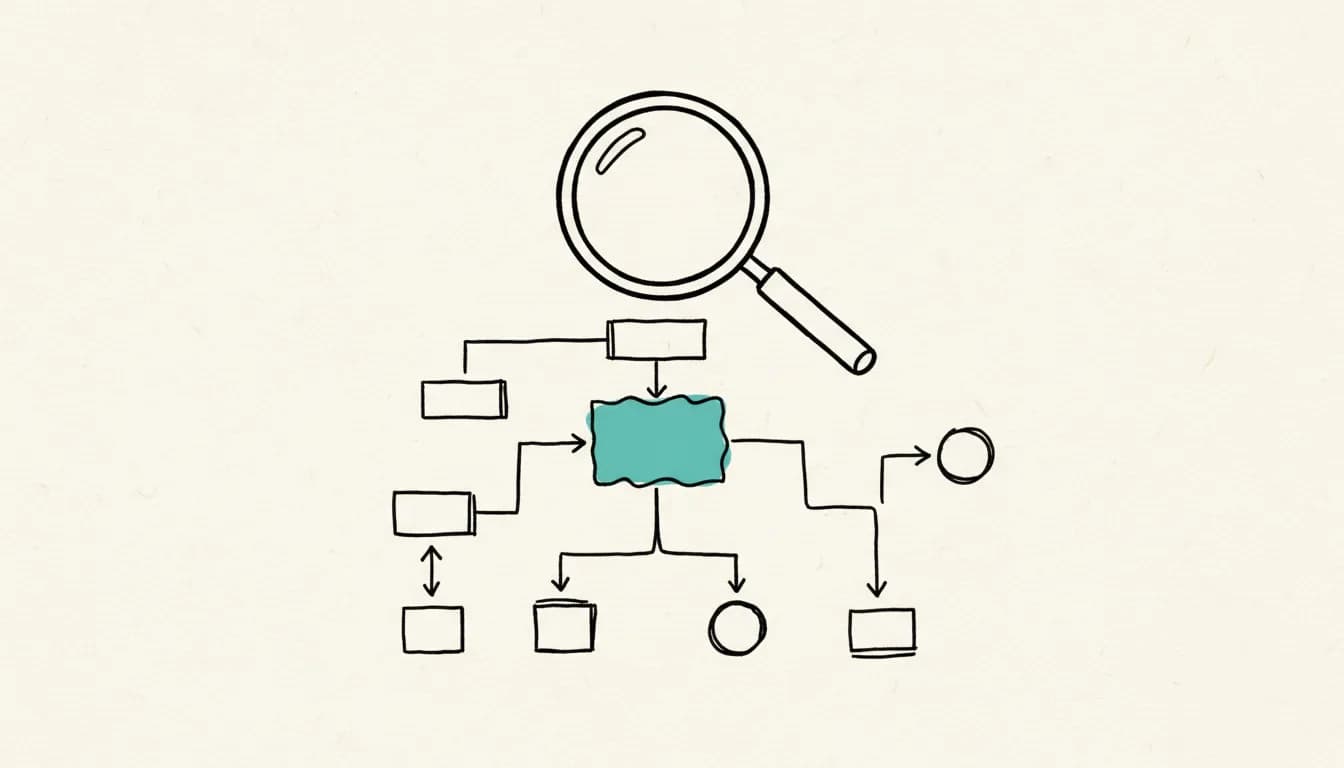
Before an RPA project starts, one question often gets skipped: which process is actually worth automating, and how does it really run, not how it is described on paper. UiPath offers two different tools for this: Task Capture for manual process documentation and Process Mining for data-driven analysis from existing IT systems. Neither replaces gut feeling with facts in the same way. As of: August 2026.
What Does UiPath Task Capture Actually Do?
Task Capture is a process documentation tool that lets you build a workflow step by step by hand or record it automatically during execution. According to the UiPath documentation, this produces a workflow diagram with details on each individual step, which can be exported as a Word document in the format of a Process Definition Document. In UiPath Studio, this recorded result can additionally be exported as an XAML workflow template and serves there as the scaffold for the actual automation development.
Is Task Capture Still Current, or Has It Been Replaced?
One point worth checking before use: the standalone documentation for Task Capture linked by UiPath is at version 2022.4 and is explicitly marked there as "out of support." This does not necessarily mean the tool no longer exists, since UiPath has integrated many formerly standalone tools into the Automation Cloud platform, but it does mean that interested parties should actively check, before adopting it, under what name and in what environment the feature is currently offered, rather than relying on the standalone version.
What Does UiPath Process Mining Deliver by Comparison?
Process Mining follows a different approach than Task Capture: it does not evaluate manually recorded observations, but transactional data directly from existing IT systems. According to the UiPath documentation on Process Mining, this runs in three phases: first, data is extracted from the source systems and cleaned to produce multidimensional process models, which can be enriched with your own business logic. After that, teams can configure analytical evaluations and track transactions across departments. In the third step, monitoring tools are available for business users to continuously monitor processes and identify further optimization potential.
Where Does the Data for Process Mining Come From?
Process Mining requires that the processes under consideration already leave digital traces in backend systems, for example in ERP or CRM systems. This data dependency is both the strength and the limit of the approach: where clean, structured transaction data is available, Process Mining delivers an objective picture of the actual workflow instead of the subjective perception of individual employees. If such data is missing, for example in heavily manual or paper-based sub-processes, Task Capture or a classic on-site process recording remains the more practical route.
Which Tool Fits Which Starting Situation?
For a company looking for its first automation candidates and without a reliable data basis yet, Task Capture is the lower-threshold entry point: a process owner records the workflow, and this directly produces documentation that can be shared with the development team. Process Mining pays off where digital process data already exists in sufficient volume and quality and where recurring, high-volume workflows are involved, in which deviations and bottlenecks show up in the data. The two tools are not mutually exclusive, but they answer different questions: Task Capture shows how a single process runs, Process Mining shows how many variations of the same process actually behave in reality. Anyone who prefers to have this groundwork accompanied externally can find a starting point at /leistungen/automatisierung.
Frequently Asked Questions About UiPath Task Capture and Process Mining
Do I Need Process Mining Before Starting With RPA?
No, that is not mandatory. Process Mining mainly helps to find, among many possible processes, the one with the greatest and best-documented automation potential, while Task Capture is also sufficient for individual, already established processes.
Is the Task Capture Standalone Version Still the Right Choice for a Fresh Start?
Not without further checking, since the publicly documented standalone version 2022.4 is marked as out of support. Before adopting it, you should check which current variant UiPath offers for this within the Automation Cloud platform.
Can Process Mining Also Be Used Without a Large IT System Like SAP?
In principle, yes; what matters is not the system name but whether structured, analyzable transaction data is available in sufficient volume. If this data is missing or only available unstructured, Process Mining does not deliver a reliable picture.
What Happens to the Processes Recorded in Task Capture?
They can be exported as a Process Definition Document in Word format and additionally reused in UiPath Studio as an XAML workflow template, which serves as the starting point for developing the actual automation.
Simon Glowik
Founder of NordFlux. Spent four years automating processes at enterprise scale at Dräger, and now brings that depth to the mid-market — pragmatic and with full data sovereignty.
Certifications
- Microsoft certified — PL-900 and AZ-900
- UiPath certified — Automation Developer Associate
- UiPath zertifiziert — Automation Developer Associate
Concrete questions about automation or AI?
In a free 30-minute initial call we discuss your case directly. No strings attached.