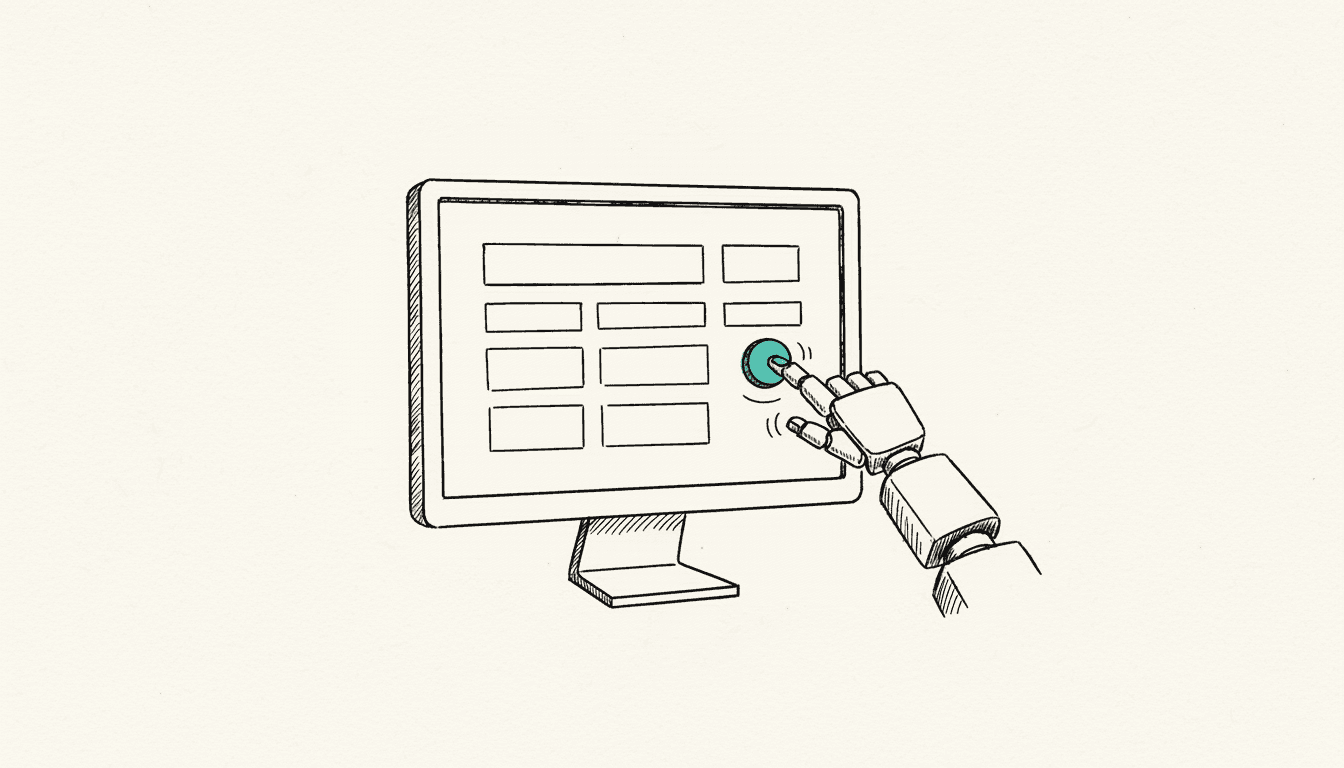
Screen scraping has a bad reputation, and mostly for good reason. When a software robot clicks its way through screen masks instead of pulling data through an interface, that is rarely the clean solution. Even so, there are processes in the small and mid-sized business world where that is exactly the only way. The decisive question is not whether the method looks old-fashioned, but whether the target system has a usable interface.
What is screen scraping and how does it differ from API integration?
Screen scraping refers to the automated reading and operation of an application through its screen interface: a robot moves the mouse pointer, fills in fields, and reads values off the screen, just as a human would otherwise do. API integration bypasses the interface and talks directly to the system's data interface.
Microsoft sums up the difference in its Power Automate documentation in one concise formula: with an API you tell the application what to do, with the interface you show it (Types of process automation, Microsoft Learn). Only one of these is an agreement. An interface is a promise from the vendor that fields and formats will stay the same. A screen mask is not that promise.
API or screen scraping: what the vendors themselves recommend
The recommendation is unambiguous, and it comes from the RPA vendors themselves. Microsoft advises choosing API-based automation for every application with an available API connector, because interfaces are meant to stay stable even when the application changes.
According to the vendor, Power Automate covers more than 380 applications with ready-made API connectors, plus custom-built connectors for any system with an available API (Microsoft Learn). Automation through the interface is therefore not an equal alternative to API integration, but the documented emergency exit. Whoever reaches for the robot first buys maintenance overhead that nobody ordered.
Why screen scraping becomes more expensive to maintain
The price for it is maintenance overhead, and that is well documented. Automations that run through the interface depend on selectors, meaning the technical description of where a control sits and what it is called. If that description changes, the robot no longer finds the element and the run fails.
For unattended desktop flows, Microsoft lists six factors that can render a selector unusable: screen resolution and DPI scaling, application updates, the operating system version, window size, the state of an element, and the permissions of the logged-in user (Troubleshooting unattended execution, Microsoft Learn). None of these points has anything to do with the business process. The process is still just as correct, the automation stumbles over the packaging.
UiPath describes the same problem from the other direction: classic selectors rely on rigid attributes and hierarchies, which is why even a changed label, a dynamic element ID, or a new theme can stop the automation. The vendor itself rates the resulting maintenance overhead as high (About Semantic Selectors, UiPath Docs). With an API integration, none of these issues exist. An interface does not care about screen resolution.
When is screen scraping really the right choice?
Screen scraping is the right tool when a system has no usable interface and can only be operated through its screen. Microsoft narrows the condition down in its licensing documentation: RPA is needed for applications for which neither a ready-made connector nor an API exists from which a custom connector could be built.
In practice, that applies to five situations:
- Old legacy applications without an API: grown industry software that was never designed for integration.
- Terminal and Citrix applications: when only a screen image arrives, there is technically nothing to grab onto except the mask.
- The interface is locked: some vendors license the API module separately or do not release it to small customers at all. Then the question becomes commercial, not technical.
- The API does not cover the process: an interface that only reads does not help with the write operation that is actually needed.
- The transition period before a replacement: if the system will be replaced within one to two years, a clean integration often no longer pays off. A robot that is deliberately built as a throwaway solution is then the more honest investment.
The last point is regularly overlooked: the approach is a legitimate bridging technology. It only becomes a problem once the bridge turns into a permanent state and nobody remembers why it is there. We worked through the tool question itself in our practical comparison of n8n and Power Automate.
Then the license costs that fall away with the API variant also belong in the calculation. With Power Automate, every machine that runs desktop flows unattended needs a process license, and for Microsoft 365 an additional unattended license (Microsoft Learn). From a licensing perspective, the robot is just another user. We broke down the UiPath licensing building blocks in our UiPath licenses for small and mid-sized businesses.
How do you check whether there really is no interface?
Before any RPA decision there should be a check that usually takes half an hour and regularly makes the robot unnecessary. Often there is an interface, it is just called something else. Four questions clarify this:
- What does the vendor documentation say? API modules often appear in the technical documentation long before they show up in the price list.
- Is there a data export? the most unspectacular interface is a scheduled CSV or XML export. It is stable, documented, and costs nothing.
- Is read-only database access possible? for reporting purposes it is often entirely sufficient.
- What does the interface module cost? as a one-time cost it is often cheaper than three years of robot maintenance.
If the decision still falls on the robot, the reasoning belongs in writing. For a municipal administration we presented exactly this assessment in July 2026 and advised against making RPA the foundation of the automation strategy: yes as a selective addition, no as the basis. The tool was not bad, it simply did not fit the task. This assessment is the actual substance of an interface and integration consulting engagement.
Frequently asked questions
What is the difference between screen scraping and web scraping?
Web scraping reads content from web pages, usually through the HTML source code, and needs no visible interface for that. Screen scraping operates the application the way a human sees it, and includes desktop programs, terminal, and Citrix sessions.
Is screen scraping allowed?
Technically yes, contractually it depends. Some software vendors exclude automated operation in their terms of use or tie it to additional licenses. Before building a robot, the license terms of the target system should be checked, and in case of doubt, with legal advice.
Does screen scraping really break with every update?
No, but the risk cannot be programmed away. An update that only changes the business logic leaves the robot untouched. As soon as labels, window layout, or element IDs shift, the selectors grab at nothing. Anyone using RPA should therefore build maintenance in as a fixed part of the plan rather than treating it as an incident.
Do AI-powered selectors solve the problem?
They ease it, they do not eliminate it. Vendors like UiPath are working on selectors that recognize an element by its meaning rather than its position. This lowers the maintenance overhead, but it does not change the fact that the automation depends on an interface that nobody keeps contractually stable.