
Copilot Studio Computer Use vs. UiPath: Does Your Business Still Need Classic RPA?
Computer Use controls interfaces through image recognition. What Microsoft documents about success rates and costs, and when classic RPA remains the better choice.

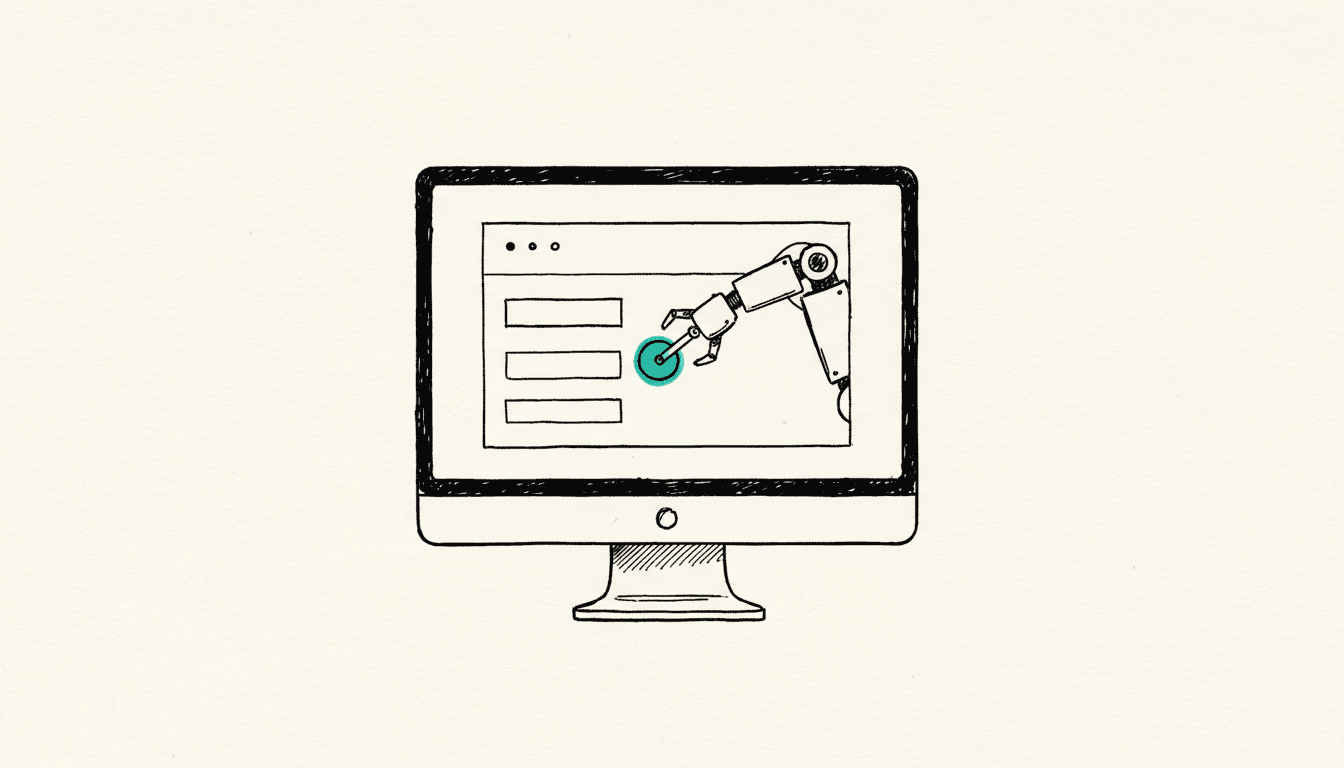
Microsoft promotes Computer Use in Copilot Studio as automation without interface and without code: the agent sees the screen and clicks itself. Anyone currently renewing UiPath licenses or planning Desktop Flows rightly wonders whether classic RPA becomes unnecessary. The answer is in Microsoft's own documentation, and it's more sobering than the announcement.
What Makes Copilot Studio Computer Use Different From a Classic RPA Robot?
Computer Use controls interfaces through image recognition and reasoning, classic RPA through fixed selectors. A UiPath or Power Automate robot remembers where a field is located and what it's called. Computer Use looks at the screen anew at each step and then decides where to click.
Microsoft describes a loop of three steps for this: perception through screenshots, assessment of the current state, then the action of clicking, typing, or scrolling (FAQ for the computer use tool, Microsoft Learn). According to the product documentation, the Computer-Using Agent from OpenAI and Claude Sonnet 4.5 from Anthropic are generally available options, Claude Sonnet 4.6 and Claude Opus 4.6 are marked as experimental (Automate web and desktop apps with computer use, Microsoft Learn). A prerequisite is an agent with generative orchestration.
The difference sounds academic, but has a practical consequence. A selector breaks when the interface changes. A model that looks anew each time doesn't break; it just decides anew each time. That's a gain when the interface changes frequently, and a risk when the result must be reproducible. The upstream question remains the same regardless of tool: whether there really is no interface.
How Reliable Is Computer Use Really Today?
Microsoft cites two success rates in its documentation: approximately 80 percent success for web-based tasks and approximately 35 percent for desktop applications (FAQ for the computer use tool, Microsoft Learn). In plain terms: for desktop software, approximately two out of three runs fail according to the manufacturer's figures.
The manufacturer lists the limitations unusually openly. The same task can yield different results depending on timing or presentation. Dropdowns, date pickers, and custom controls create problems. The agent can loop or get stuck if the screen doesn't match its expectations. For financial transactions and for evaluative decisions in human resources, health, and finance, the tool is explicitly not intended.
There's an additional risk that classic RPA doesn't know. Because the model reads screen contents, it can be manipulated by hidden instructions in web pages or documents. Microsoft calls this prompt injection and makes clear that the built-in human approval is not a safety net. The human review is triggered by a probabilistic model and is not guaranteed to occur when a human would expect it.
What Does Computer Use Cost Compared to Power Automate and UiPath?
Computer Use charges per step, not per robot and not per user. Each step costs 5 Copilot Credits, with a premium model 15 Copilot Credits (Automate web and desktop apps with computer use, Microsoft Learn). Microsoft provides its own example: a run that fills out a timesheet and consists of four steps consumes 20 credits, with a premium model 60.
This can be extrapolated. A Capacity Pack includes 25,000 Copilot Credits per month (Copilot Studio prepaid capacity packs, Microsoft Learn). For a process with 20 steps and standard model, that's 100 credits per run, or approximately 250 runs per month from one pack. Unused capacity expires at month end and is not carried over (FAQ for Copilot Studio billing and licensing, Microsoft Learn). In its Azure documentation on prepayment plans, Microsoft calculates as an example 0.01 US dollars per Copilot Credit (Optimize Copilot Credit costs with a pre-purchase plan, Microsoft Learn). This is a calculation assumption from a documentation example, not a price list, but serves as an order of magnitude: the run with 20 steps would be around one dollar.
The three billing models side by side:
- Power Automate Premium, $15 per user per month: supervised Desktop Flows on your own machine, premium connectors, machine registration. Fixed price, regardless of how many clicks the robot makes.
- Power Automate Process, $150 per bot per month: unattended runs. One license per machine, additional licenses only for parallel execution.
- Computer Use, 5 or 15 Copilot Credits per step: no bot price, but consumption-dependent. Costs grow with every single click the model makes.
The Power Automate pricing information comes from Microsoft's licensing FAQs (Power Platform licensing FAQs, Microsoft Learn), the rule of one Process license per machine from the Power Automate licensing FAQ (Power Automate licensing FAQ, Microsoft Learn). How Premium and Process work together in practice is explained in detail in our article on Power Automate Premium and premium connector costs. What Copilot Credits are and where they come from, we explained in the migration of AI Builder Credits article.
The cost curve thus reverses. Classic RPA is expensive to start with and cheap at volume because the bot price is fixed. Computer Use is cheap to start with and expensive at volume because each step counts. Someone automating a task once a week calculates differently than someone running it two hundred times a day.
When Does Classic RPA Remain the Right Choice?
Classic RPA remains the choice when the same process must run often, unattended, and with predictable results. Four real-world cases:
- High volume with consistent process: A deterministic robot costs the same for a thousand runs as for ten. A step-based consumption price does not.
- Desktop applications and terminal interfaces: With around 35 percent documented success rate, Computer Use does not support production use in inventory management, ERP interfaces, or Citrix sessions today.
- Audit-required processes: Where an auditor must see that every transaction was treated identically, a hard-wired path is a better argument than a model that decides anew each time.
- Overnight batch processing: Unattended Desktop Flows log in to the machine themselves, work through the queue, and log out again. A proven pattern with clear licensing logic.
Conversely, Computer Use plays to its strength where classic RPA becomes expensive: for rare tasks that don't justify the effort of building automation, for web interfaces that constantly change, and for quickly exploring whether a process can be automated at all. For ongoing operation on legacy systems without an interface, a classic RPA platform like UiPath remains the more robust tool.
How We Make the Decision in Projects
We examine four questions in this order before any tool even comes on the table. First: is there an interface? If so, the entire discussion is moot. Second: how often does the process run? This determines whether a fixed bot price or consumption price is cheaper. Third: web or desktop? The documented success rate differs by more than a factor of two. Fourth: what happens if a step goes wrong? The answer for a booking in accounting is different than for a search in a supplier portal.
For the sake of honesty, there's sparse factual basis. The two success rates come from the manufacturer itself, without disclosed measurement methodology and without specification of which tasks were tested. Moreover, essential components are not yet finished. The hosted browser and cloud PC pool are marked as preview and according to the documentation not recommended for production use (Configure where computer use runs, Microsoft Learn), as is the standalone, reusable computer use tool (Add standalone computer use tools, Microsoft Learn). There are no independent benchmarks for typical mid-market processes yet. Anyone switching completely today is doing so without a reliable comparison basis.
Frequently Asked Questions About Computer Use and Classic RPA
Does Copilot Studio Computer Use Replace UiPath?
Not today. For web-based tasks with low volume, Computer Use is a serious alternative. For unattended bulk processing in desktop applications, the manufacturer's quoted success rate is around 35 percent, and that doesn't support production use.
What License Do I Need for Computer Use?
Execution is billed via Copilot Credits, 5 per step for the standard model and 15 for the premium model. In addition, you need a Windows machine: if you use your own computers, install Power Automate for desktop from version 2.61.132.25266 and enable the machine for Computer Use.
Is Computer Use Production Ready?
The tool itself is available, but several surrounding components are not. The hosted browser and cloud PC pool are preview features that Microsoft explicitly does not recommend for production use, as is the standalone, reusable computer use tool.
What Does a Single Computer Use Run Cost?
It depends solely on the number of steps. Microsoft's own example with four steps costs 20 Copilot Credits. A process with 20 steps costs 100 credits, so from a Capacity Pack with 25,000 credits per month, that's approximately 250 runs.
How Safe Is It to Let a Model Operate the Screen?
It requires system-level protection. Because the model reads screen contents, it can be manipulated by hidden instructions. Microsoft recommends dedicated machines, accounts with minimal privileges, and whitelists for approved applications and websites. According to the manufacturer, human approval is not a safety net.
Simon Glowik
Founder of NordFlux. Spent four years automating processes at enterprise scale at Dräger, and now brings that depth to the mid-market — pragmatic and with full data sovereignty.
Certifications
- Microsoft certified — PL-900 and AZ-900
- UiPath certified — Automation Developer Associate
- UiPath zertifiziert — Automation Developer Associate
Concrete questions about automation or AI?
In a free 30-minute initial call we discuss your case directly. No strings attached.