
DATEV Unternehmen online: Five Ways Receipts Actually Get In
DATEV Unternehmen online: Five Ways Receipts Actually Get In
Five ways receipts actually get into DATEV Unternehmen online, compared by effort and error-proneness.
Rate limits, write permissions, and document upload: sevDesk API, Lexoffice, and DATEV compared for your n8n automation.

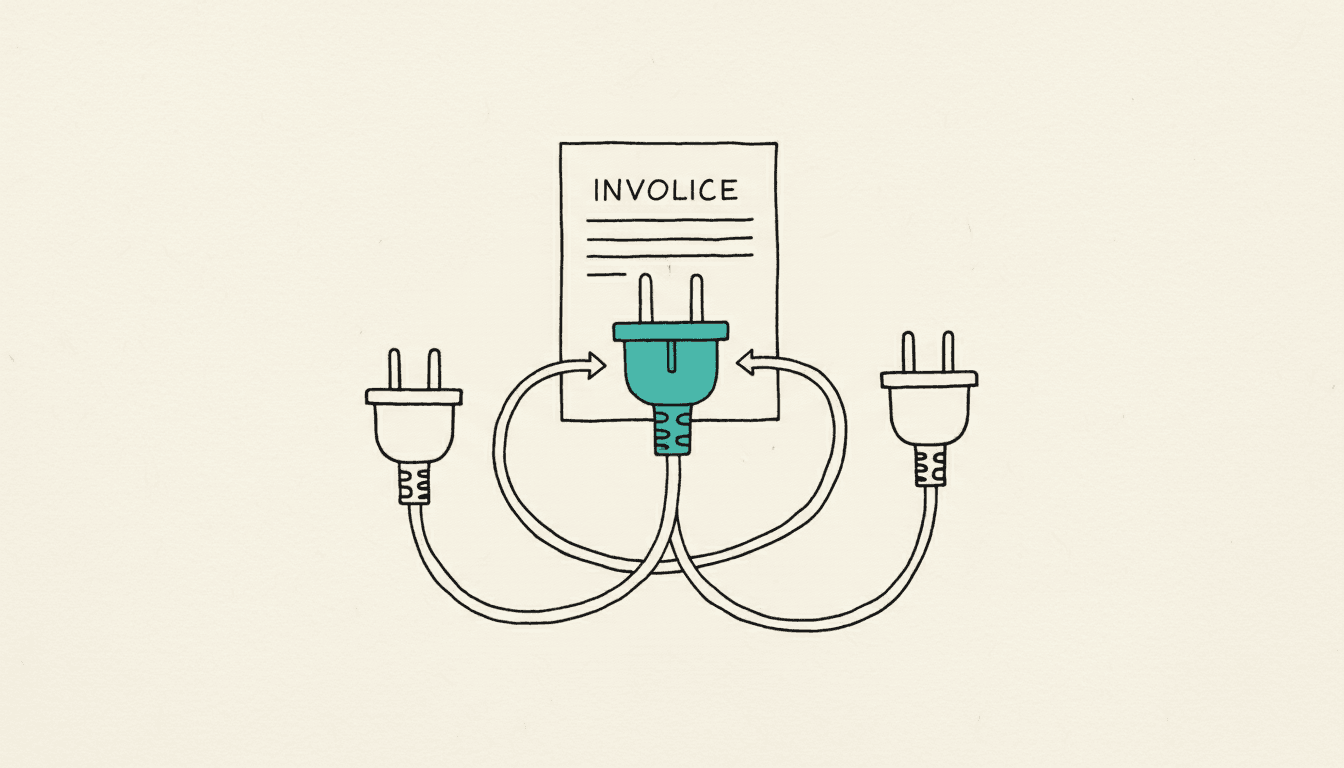
Lexoffice (now Lexware Office), sevDesk, and DATEV answer the question of the right automation interface differently: Lexware Office strictly limits requests to 2 per second and allows write access only to sales documents, sevDesk works with a single admin token without granular permissions and an undocumented limit, DATEV contractually separates sandbox and production access and ties productive document upload to a paid add-on product. For most n8n or Power Automate workflows in small and medium-sized businesses, the deciding factor is therefore less raw speed than the question of how much write access you actually need and whether the connection can be tested without a contract. This article compares the three interfaces along exactly these criteria. As of: August 2026.
Lexware Office limits every API client to 2 requests per second; when exceeded, the interface responds with HTTP status 429 (developers.lexware.io). For automation, this means: bulk imports of invoices or contacts must be spaced out with wait times between requests in n8n, otherwise the workflow fails. sevDesk also limits requests and responds with 429 when exceeded, but does not state the exact number of allowed requests per minute in the public documentation (api.sevdesk.de). Anyone automating in production with the sevDesk API should therefore plan with backoff logic rather than a fixed number, to be safe. For DATEV, there is no single rate limit figure valid for all API products; quotas depend on the booked API product and on sandbox or production access, which you request via the developer portal (developer.datev.de).
At Lexware Office, write access to documents is narrowly scoped: the voucher endpoint allows creating and editing only for sales documents such as invoices and credit notes, while purchase documents can only be read. Newly created invoices also initially land as a draft; only the parameter finalize=true sets them to the status open (developers.lexware.io). sevDesk works with a single admin token per account instead of tiered OAuth scopes: whoever holds the token has full read and write access to the company, and there is no restriction to individual objects such as only contacts or only invoices (api.sevdesk.de). This is convenient for quick single workflows but requires careful handling of the token in your n8n credentials. At DATEV, the booked API product determines write permissions; the accounting:documents interface, for example, is specifically tailored to uploading documents and is not designed for free changes to accounting data.
Lexware Office accepts files via the endpoint POST /v1/files as multipart/form-data; the file is transmitted in the field file, the type voucher in a second field, after which the file can be assigned to a document (developers.lexware.io). sevDesk splits upload and booking into two steps: first, POST /Voucher/Factory/uploadTempFile uploads the document — since November 2024 also e-invoice formats such as ZUGFeRD with embedded XML — then POST /Voucher/Factory/saveVoucher creates the actual document record (tech.sevdesk.com). DATEV uploads documents via the accounting:documents REST API using a PUT request to an address such as https://accounting-documents.api.datev.de/platform-sandbox/v2/clients/{client-id}/documents/{Guid}; the calling application generates the GUID itself so that duplicates can be avoided. Since December 2023, this no longer requires an extensive contract in sandbox mode, but a paid supplementary contract is required for production sending (developer.datev.de).
For small teams that mainly want to automatically create invoices and assign documents, Lexware Office is usually the most predictable choice due to its clear, documented limits: 2 requests per second, write access only to sales documents. sevDesk is suitable if you want to automate the full functional scope of a single account and can live with simple token access, but you should plan for backoff logic from the start, since the limit is not openly documented. DATEV pays off especially where a firm or a larger company wants to upload documents directly into Unternehmen online; sandbox access is well suited for testing, but production operation should be planned from the start with contract costs and an approval process. Anyone unsure which interface fits their own workflow can work through this question, together with actual document volumes and approval processes, as part of an automation consultation such as with NordFlux's n8n workflows.
Only Lexware Office officially documents a fixed limit of 2 requests per second. sevDesk and DATEV do not publish a single figure valid for all cases, so a direct comparison of the upper limits cannot be drawn reliably. In practice, this means: build your n8n or Power Automate workflows with wait times and error handling for status 429, regardless of the provider.
Yes, because access runs through a single admin token that grants full read and write access to the entire account, rather than releasing individual objects separately. This makes multi-object workflows easy to implement, but in return requires particularly careful handling of the token in your automation credentials.
No, since December 2023, sandbox access to the DATEV REST APIs can be used and tested technically without the extensive contract previously required. For the production sending of real documents, a paid supplementary contract with DATEV is then required.
Only to a limited extent: for purchase documents, the voucher endpoint allows only reading, while creating and editing via the API remains limited to sales documents such as invoices and credit notes. If you want to process incoming invoices in an automated way, usually only the route via the file upload endpoint remains, rather than a direct document change.
Founder of NordFlux. Spent four years automating processes at enterprise scale at Dräger, and now brings that depth to the mid-market — pragmatic and with full data sovereignty.
Certifications
Five ways receipts actually get into DATEV Unternehmen online, compared by effort and error-proneness.
How DATEV Belegtransfer automatically uploads receipts from folders and how duplicate detection works.
No official DATEV node in n8n: which DATEV interfaces exist, how the connection still succeeds, and when lexoffice is the easier route.
Rate limits and write permissions only show what is theoretically possible, not what will reliably automate in your specific workflow. NordFlux plans and builds the connection to sevDesk, Lexoffice or DATEV so that document upload and data reconciliation run without manual follow-up. In our first conversation, we clarify which interface fits your use case and where its limits lie.