
The 5,000 Item Limit in SharePoint Lists: What It Actually Blocks
What the SharePoint list view threshold of 5,000 items actually blocks and how to work around it with indexes and views.

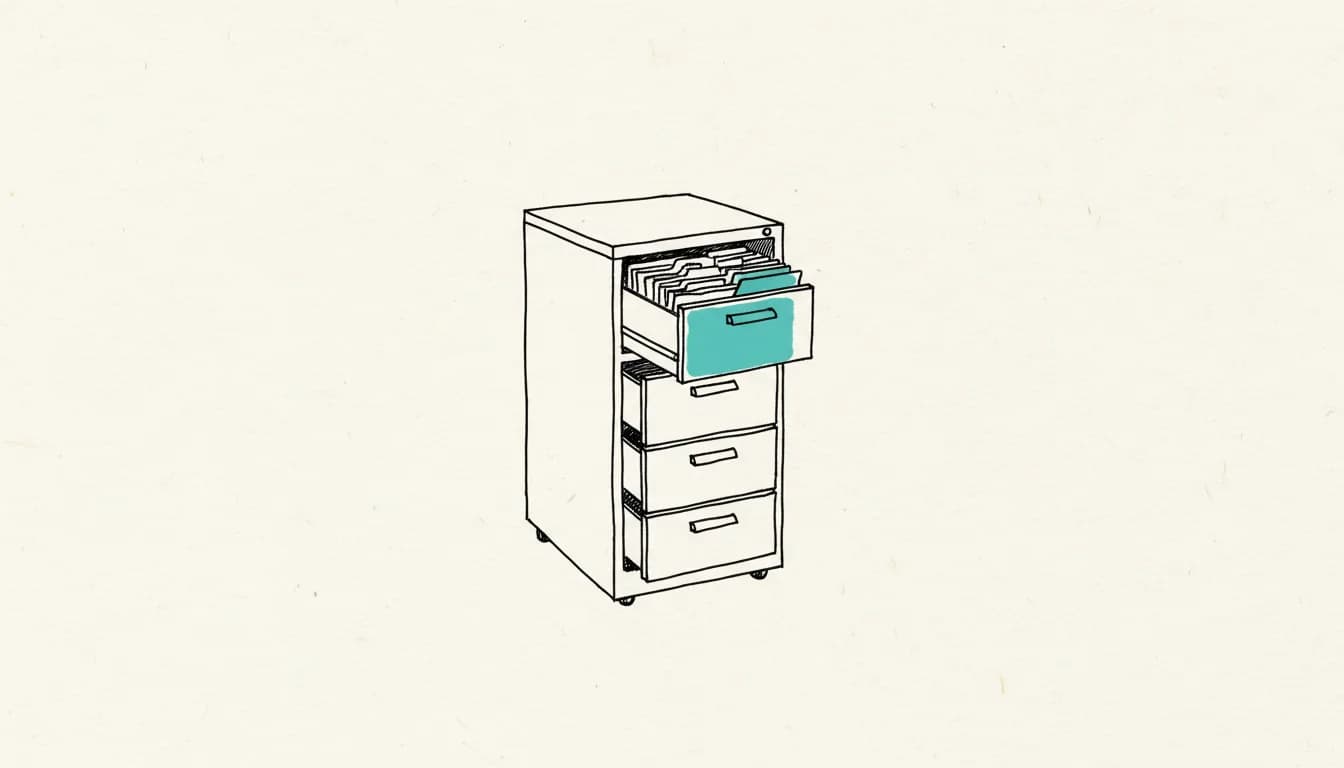
The list view threshold in SharePoint Online is fixed at 5,000 items and does not block storing further data, but rather any query that would have to process too many items at once on the server side, such as an unfiltered view across the entire list. Microsoft calls the mechanism behind this "Large List Resource Throttling," and it applies regardless of whether the query comes from the browser, an app, or a flow. As of: August 2026.
What exactly does the threshold block?
The threshold specifically blocks tasks that, according to Microsoft, cause excessive server load, such as those involving all list items, not the plain creation of new entries. The exact error message reads: "The number of items in this list exceeds the list view threshold, which is 5000 items. Tasks that cause excessive server load (such as those involving all list items) are currently prohibited." According to Microsoft's troubleshooting article on the list view threshold, this affects every operation that accesses the entire list on the server side, not just a particular view type.
How do I work around the threshold with views?
You work around the threshold by filtering views so that each individual query stays under 5,000 items, ideally filtered by an indexed column. An indexed column ensures that SharePoint doesn't have to search the entire list when filtering, but can instead access it directly via the index, which keeps the query under the threshold even if the list as a whole contains significantly more items. Details and further recommendations are listed by Microsoft's research on indexed columns.
What about folders and metadata navigation?
Besides filtered, indexed views, two further structural tools help: folders, in which you store items so that each view within a folder stays under 5,000 items, and managed metadata navigation, which builds a navigation hierarchy for large volumes of content and improves searchability. Neither approach changes the total number of items in the list, but rather how many of them a single query actually has to touch.
Where is the limit for indexes themselves?
Adding or removing an indexed column is itself limited: according to Microsoft, the list limit for this is 20,000 items. In practice, this means it's best to index a column while the list is still well below this limit, rather than only reacting once the list has already grown very large and can no longer be easily indexed retroactively.
What does this mean for Power Automate and Power Apps?
Since, according to Microsoft, the threshold affects every operation that involves all list items, not just the browser view, flows and apps also run into the same error when they retrieve items unfiltered from a large list. In practice, this means: a "Get items" action in Power Automate without a restricting filter on an indexed column hits the same server-side limit on a correspondingly large list as a view in the browser. If you're building flows on large SharePoint lists, that's a good point for Power Automate consulting before the list hits its limits.
Frequently asked questions about the SharePoint list view threshold
Can I raise the 5,000-item threshold in SharePoint Online?
For SharePoint Online, in the linked guide Microsoft states only workarounds via indexed columns, filtered views, folders, and metadata navigation, no way to raise the value itself. The threshold is set server-side and is part of the Large List Resource Throttling mechanism.
Does the threshold prevent me from adding further items to the list?
No, simply adding individual items is not affected by the threshold. According to Microsoft, only operations that access very many or all items at once are blocked, such as an unfiltered view of the entire list.
Does an indexed column help immediately and in every case?
An indexed column only helps if the view actually filters by that column; indexing alone, without a matching filter in the view, changes nothing. In addition, creating the index itself is subject to a limit of 20,000 items per list, which is why indexing early is more sensible than retrofitting it later.
Does the threshold also affect flows and Power Apps, or only the SharePoint view in the browser?
According to Microsoft, the threshold affects every operation that involves all list items on the server side, regardless of whether the request comes from the browser, from Power Automate, or from Power Apps. A flow that retrieves items unfiltered from a large list can therefore hit the threshold just as easily as an unfiltered view.
Simon Glowik
Founder of NordFlux. Spent four years automating processes at enterprise scale at Dräger, and now brings that depth to the mid-market — pragmatic and with full data sovereignty.
Certifications
- Microsoft certified — PL-900 and AZ-900
- UiPath certified — Automation Developer Associate
- UiPath zertifiziert — Automation Developer Associate
Concrete questions about automation or AI?
In a free 30-minute initial call we discuss your case directly. No strings attached.