
OneDrive or SharePoint: Where a File Belongs
OneDrive or SharePoint? Personal storage vs. team storage, and what happens with sharing, offboarding, and backup, explained simply.

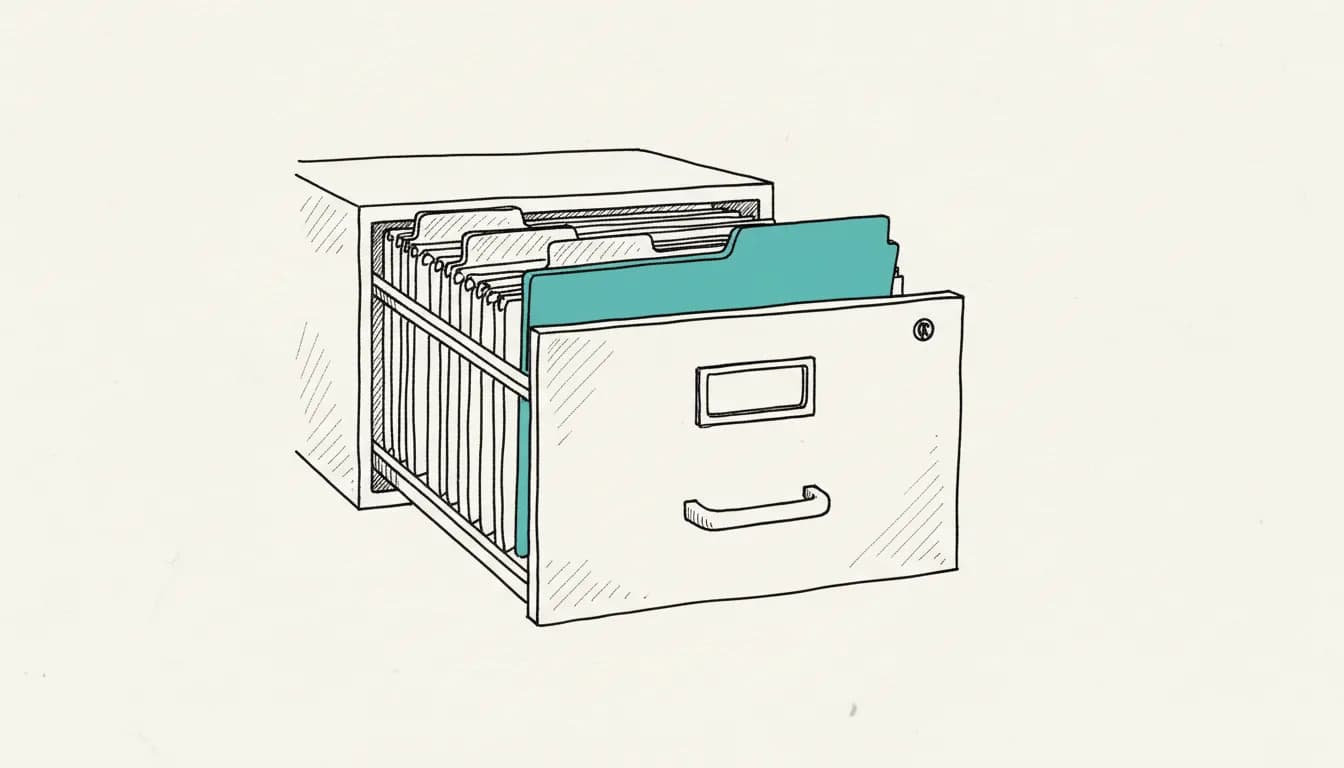
A file belongs in OneDrive when only you work on it, and in SharePoint when a team needs to access it together: according to Microsoft, OneDrive is personal storage for individual users, while SharePoint is designed as team and organizational storage for collaboration, knowledge management, and automated processes. Both services run on the same technical foundation, and files can later be moved between the two areas if the nature of a file changes. As of: August 2026.
What is OneDrive for?
OneDrive is suitable for files that initially belong to only one person, such as drafts before sharing with a team or personal notes. According to the Introduction to SharePoint and OneDrive from Microsoft Learn, both services help organizations share and manage content, with OneDrive available on every device via the sync app and the mobile app. Once a file becomes relevant to multiple people, it should be moved to a SharePoint library, because OneDrive is not designed for permanent team collaboration.
What is SharePoint for?
SharePoint is the right place as soon as multiple people work on or need permanent access to the same content. Files stored in Microsoft Teams technically end up in SharePoint sites as well, according to Microsoft Learn, because SharePoint is deeply integrated into Teams. This makes SharePoint the default location for team documents, project materials, and anything meant to be further processed in automated workflows with Power Automate or n8n, because libraries there, unlike personal OneDrive folders, can be shared in a structured way and managed permanently.
What happens to OneDrive when someone leaves the company?
When a user account is deleted from Microsoft Entra ID, a cleanup process for the associated OneDrive starts automatically. According to Microsoft Learn, by default the manager listed in the profile gets access to the departed person's OneDrive for 30 days, receives an email reminder seven days before it expires, and after the deadline passes, the OneDrive moves to the site collection's recycle bin for another 93 days before being permanently deleted. If no manager is listed, you should set a secondary owner in the SharePoint Admin Center, otherwise no one automatically gets access. Details are available in the documentation on OneDrive retention and deletion.
Who is responsible for backup?
Under the standard Microsoft 365 contract, the organization itself is responsible for backing up content in OneDrive and SharePoint, not Microsoft. The retention periods described for deleted accounts are a cleanup mechanism, not a backup replacement: retention policies and retention labels from the compliance area always take precedence over the standard process, according to Microsoft Learn, and can retain content for a shorter or longer period than the 30-day deadline. If you want to set up sharing, folder structure, or automation around SharePoint from scratch, that's a good starting point for our automation consulting.
Frequently asked questions about OneDrive and SharePoint
Can I move a file from OneDrive to SharePoint later?
Yes, that's the usual way: a file often starts as a personal draft in OneDrive and is moved once a team needs to work on it. Technically, it's a normal file move between two libraries on the same platform.
Are files in Microsoft Teams stored in OneDrive or SharePoint?
In SharePoint. According to Microsoft Learn, files stored in a team channel are technically part of the associated SharePoint site, even if the Teams interface doesn't always make that clear.
What happens if no one is listed as authorized to access a deleted account?
Then, according to Microsoft Learn, no one automatically gets access to the OneDrive, and there's a risk that important files get deleted after the retention period expires without anyone being warned beforehand. That's why it's worth proactively setting a secondary owner for every account in the SharePoint Admin Center.
Is OneDrive safer for confidential documents than SharePoint?
Not fundamentally. Both services use the same security infrastructure; the difference lies in sharing: a file in OneDrive is private unless you deliberately share it, while SharePoint libraries are often visible to a group by default. For confidential content, it matters less which service you use than the specific sharing setting of the particular file or library.
Simon Glowik
Founder of NordFlux. Spent four years automating processes at enterprise scale at Dräger, and now brings that depth to the mid-market — pragmatic and with full data sovereignty.
Certifications
- Microsoft certified — PL-900 and AZ-900
- UiPath certified — Automation Developer Associate
- UiPath zertifiziert — Automation Developer Associate
Concrete questions about automation or AI?
In a free initial analysis we discuss your case directly. No strings attached.