
Converting a PDF Invoice to XRechnung: What Works, What Does Not, and Where the Pitfalls Are
Why a PDF invoice is not structurally an XRechnung, what extraction paths exist, and where the limits lie.

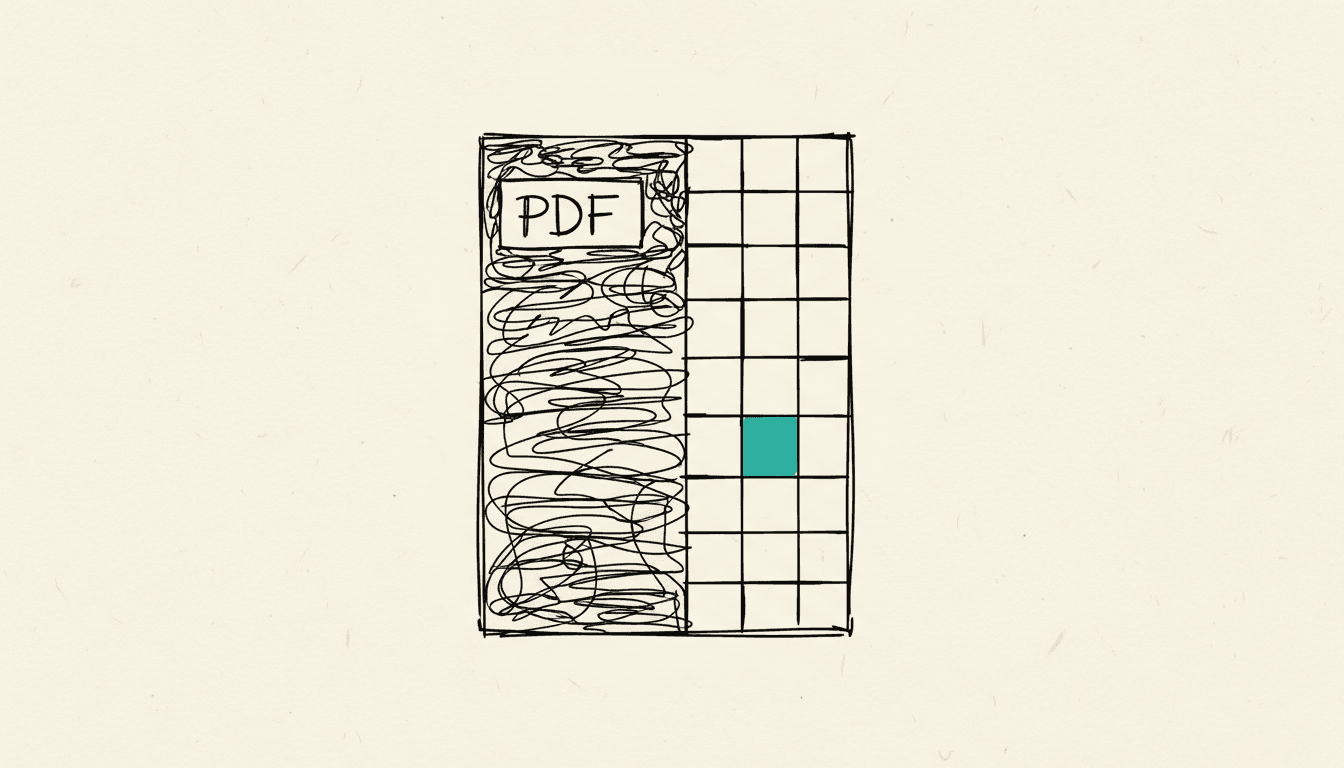
No, a PDF invoice cannot be turned into a real XRechnung at the push of a button. A PDF is an unstructured document for visual presentation, whereas the XRechnung is a structured XML format based on the European standard EN 16931 that maps invoice data into clearly defined, machine-readable fields. If you want to generate an XRechnung from a PDF, you first have to recognize the details, check them, and transfer them into this data model, and it is exactly this step that runs into technical and legal limits. As of: August 2026.
Why is a PDF structurally not an XRechnung?
A PDF is essentially a digital image of an invoice, not an invoice in the sense of a structured data model. According to the definition of the German Federal Ministry of Finance, an electronic invoice within the meaning of the German VAT Act is an invoice that is issued, transmitted, and received in a structured electronic format and that enables electronic processing. Formats such as PDF, TIF, JPEG, or DOCX are suitable for digital representation but do not meet this requirement and count as an other invoice, not an e-invoice, as the BMF in its FAQ on e-invoicing explains. The European standard EN 16931 sets out a data model for this purpose that defines core details such as seller, buyer, tax amounts, and payment information in fixed fields and provides for the UBL 2.1 or UN/CEFACT CII syntaxes. The German XRechnung implements this standard nationally, as described in the overview of XRechnung. A PDF does not have such fields; it only contains text and layout for humans, which is why every conversion requires interpreting this layout.
What ways are there to extract data from a PDF?
There are essentially two ways to make data from a PDF invoice usable: text recognition with automatic field assignment, or manual re-entry. In OCR-based extraction, software reads out the text and tries to recognize fields such as invoice number, amount, tax rate, or supplier data. Because PDF documents are designed for visual rather than machine processing, and because these details appear in different places depending on the provider, this step remains error-prone and needs human oversight. In automation workflows, this combination of text recognition, AI-assisted assignment, and a review step can be mapped in a structured way, for example with n8n. Manual re-entry into an XRechnung-capable system is slower but more reliable, because a human checks the assignment instead of guessing it.
A third answer is ZUGFeRD, or Factur-X: instead of converting an existing PDF after the fact, this hybrid format embeds a machine-readable XML file containing the invoice data directly into a PDF/A-3 file. The order matters: the XML structure is created when the invoice is generated in the invoicing software, not afterward from a PDF that has already been sent and is purely visual. Anyone who regularly needs to send structured invoices therefore solves the problem at the source rather than through a later conversion.
When does converting a PDF into an XRechnung actually make sense?
A conversion is mainly useful when a supplier cannot yet issue structured e-invoices and the recipient still wants to process the data automatically. Under the transitional rule described by the German Federal Ministry of Finance in its FAQ on e-invoicing, invoice-issuing companies may continue to issue other invoices instead of e-invoices between January 1, 2025 and December 31, 2026; for companies with prior-year revenue up to 800,000 euros, this deadline is extended to the end of 2027. As long as these deadlines are running, many incoming invoices arrive as PDFs, and controlled extraction can make sense. However, a file produced this way does not replace an XRechnung generated directly by the issuer and should not be confused with a genuine e-invoice within the meaning of the German VAT Act.
Where are the limits of automated extraction?
The limit lies where software has to interpret layout instead of reading defined fields. Because invoice number, amount, tax rate, or supplier data appear in different places and formatting varies, automated assignment can mix up values, especially with poorly scanned or handwritten documents. Combine every automated extraction with a review step in which you at least check the tax-relevant fields against the original file. Reliable automation is not created by a PDF conversion alone, but by extraction, plausibility checking, and clear approval.
Frequently asked questions about PDF and XRechnung
Can I automatically convert a PDF invoice into a valid XRechnung?
No, not reliably without review. Software can extract text and sort it into the XRechnung data model, but it does not guarantee that all details are correct, because a PDF does not have standardized fields. Without checking against the original, this produces a file in XRechnung format whose content can still be incorrect.
Is a PDF invoice a valid invoice at all?
Yes, a PDF remains a valid invoice, but under the definition of the German Federal Ministry of Finance it counts as an other invoice, not as an e-invoice within the meaning of the German VAT Act. During the transitional periods until the end of 2026, or until the end of 2027 for smaller companies, many companies may continue to issue such other invoices. For input tax deduction, a correct PDF invoice remains valid; it simply does not meet the requirements for a structured e-invoice.
What is the difference between XRechnung and ZUGFeRD?
XRechnung is a purely structured XML format with no visual representation, while ZUGFeRD, or Factur-X, is a hybrid format that additionally embeds the same structured data in a readable PDF. Both implement the European standard EN 16931 and differ only in whether a readable view is part of the file. For automated processing, what counts in both cases is the structured data set, not the outward appearance.
Is automated PDF extraction worthwhile for small businesses?
That depends on your invoice volume. If you process only a few incoming invoices per month, manual re-entry will usually get you there faster than an extraction workflow. As volume increases, controlled extraction can save time, but it does not replace a structured e-invoice generated directly by the supplier.
Simon Glowik
Founder of NordFlux. Spent four years automating processes at enterprise scale at Dräger, and now brings that depth to the mid-market — pragmatic and with full data sovereignty.
Certifications
- Microsoft certified — PL-900 and AZ-900
- UiPath certified — Automation Developer Associate
- UiPath zertifiziert — Automation Developer Associate
Concrete questions about automation or AI?
In a free 30-minute initial call we discuss your case directly. No strings attached.